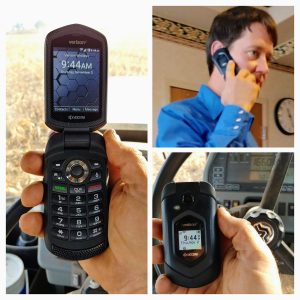
Most people these days prefer the functionality offered by modern smartphones. However, according to a 2016 survey by Pew Research Center, 18% of Americans have phones that aren’t smartphones. This group, either by necessity or preference, needs phones other than those that get the big headlines and price tags. My friends at Verizon recently let me spend a few weeks with the Kyocera DuraXV LTE, a flip phone that’s both rugged and modern.
Kyocera DuraXV LTE on Verizon
I remember fondly the days before smartphones, from my first mobile phone, called a “candybar”, through the glory days of the flip phones. From 2000 through 2009, I carried a variety of flip phones from the Nokia 282 to the extremely popular Motorola StarTAC to my favorite flip phone of all, the Motorola Krzr. Flip phones excelled at being phones, providing voice quality that I have yet to see in smartphones. They also, for a Star Trek fan like me, have always seemed somehow more satisfying and futuristic than a phone that doesn’t change shape.
Kyocera DuraXV LTE review
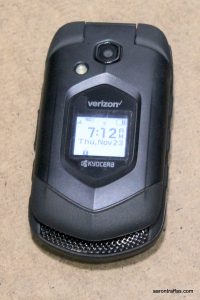
The DuraXV LTE packs as much functionality as possible into a device without a dedicated keyboard. It has the ability to work as a mobile hotspot for other devices, working on Verizon’s LTE network. The phone feels solid in the hand yet not heavy. It’s waterproof and dust proof. Bluetooth connectivity and an SD card option make it quite functional as a media player.
The DuraXV’s camera is a 5 megapixel shooter, though Verizon also sells a version of the phone without a camera for sensitive workplaces or children who aren’t allowed to have a phone with a camera. It’s quick and easy to use, and while it’s not anything like a smartphone camera, it takes decent pictures and video that are easy to share. Outdoor pictures in sunlight are really good. Indoor and lower light pictures are more of a challenge. There are more media examples at the end of this article, but here’s a comparison of some pictures from the DuraXV with the LG V20.
DuraXV Jumbo hillV20 Jumbo hill
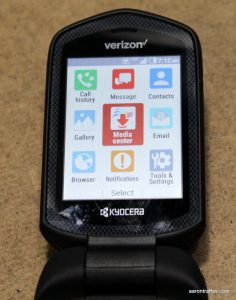
The user interface is exactly what I remember from the last flip phones I used, but the functionality is much better. Of course it handles text messages and email, but you can also play music and videos and even browse the web. The web browser is actually fairly full featured, with tabs, zoom and even a cursor controlled by the direction pad.
Voice call quality is outstanding, and I would expect nothing less from a Verizon flip phone. It’s also plenty loud, which is a rare quality in phones these days.
I’d forgotten how good the battery life is on flip phones. The DuraXV LTE lasts for days on a single charge, unlike most smartphones that must be charged at least once a day. Granted, battery life will vary with talk time, but unless you spend hours on the phone each day or run the hotspot for long stretches of time, the DuraXV LTE will easily last a few days before needing charged.
There are several scenarios in which a flip phone is right for you. Perhaps you’re looking for a work phone that has restrictions on the abilities of a mobile device. Perhaps you’re looking for a phone for a child who isn’t yet ready for a true smartphone. Perhaps you’re wanting a simple device to handle calls and serve internet to other devices. Maybe you just want a small, rugged phone that excels at making calls. For all of these cases, the DuraXV LTE makes an excellent choice.
Media examples
Here is a video and some pictures taken with the DuraXV LTE as well as additional angles of the phone itself.
https://youtu.be/YLo5aIk_QJ8
As with all my #vzreview reviews for Verizon, I wasn’t paid or otherwise compensated and my views are my own.
I need a stronger shade of blue This one’s served me well before but now washed-out, weak and sickly it doesn’t suit me anymore
I need a stronger shade of blue one reminiscent of our past of the legacy and sacrifice that’s now tarnished and collapsed
There are monsters at the door and yet we bicker Their savage, selfish, shameless roar too much to bear As hope’s dim and dwindling lights begin to flicker We’ll find a worthy cause despite all the despair and marshal all our troops to a stronger shade of blue
I need a stronger shade of blue one as dark as the world outside fiercely muted in the shade and yet brilliant in the fight
I need a stronger shade of blue pure like a conscience no longer numb ablaze with independence and not beholden to anyone
Calloused against ourselves we weren’t born like this colored by our profits dwelling on our wretchedness We’ll excise the corruption flip the script in a vivid coup bind our somber discourse to a stronger shade of blue
I need a stronger shade of blue one as bold and big as our plans dwarfing all the petty hacks with aspirational demands
I need a stronger shade of blue one as bright as our future feels when it’s tailored for our children with vouchsafed august ideals
They said that we should be silent They said that it was their turn They said that only they could fix the mess we made We watched the world burn
They started to dismantle They were viciously relentless They culled our liberties. Our institutions under siege, We became feckless
They closed their eyes as the mad king built his throne We covered our hearts as they slowly turned to stone They abandoned all pretences as our consciences grew numb When it came time to change save the world we’d scatter and succumb
If only we were stronger Or their ideas weren’t discordant They built walls to hoard their gold, their stomachs full, our children cold We found their avarice abhorrent
We tried to get them to reason They had no reason to care We explained how we could bring an end to all the suffering They didn’t think it’d be fair
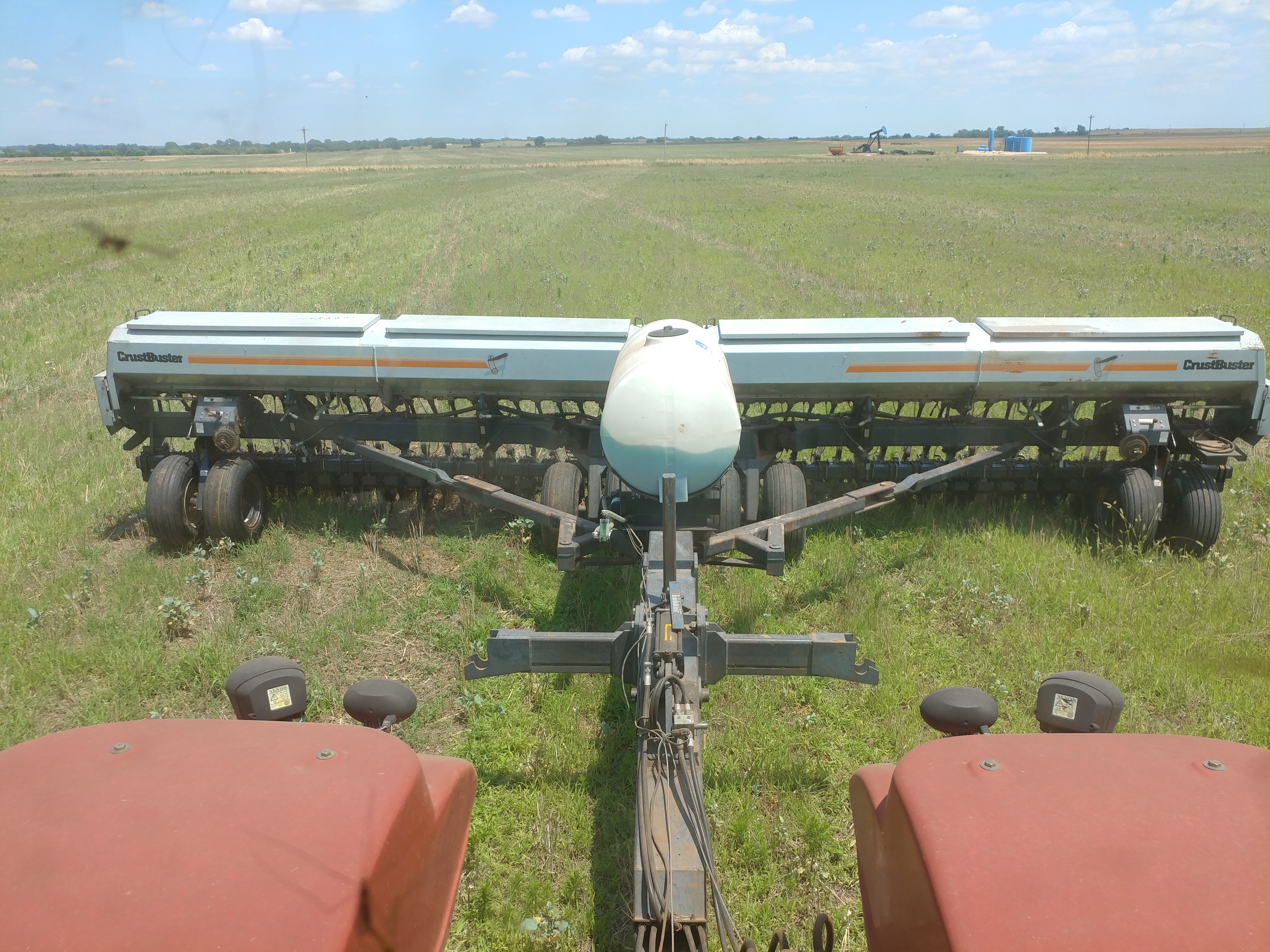
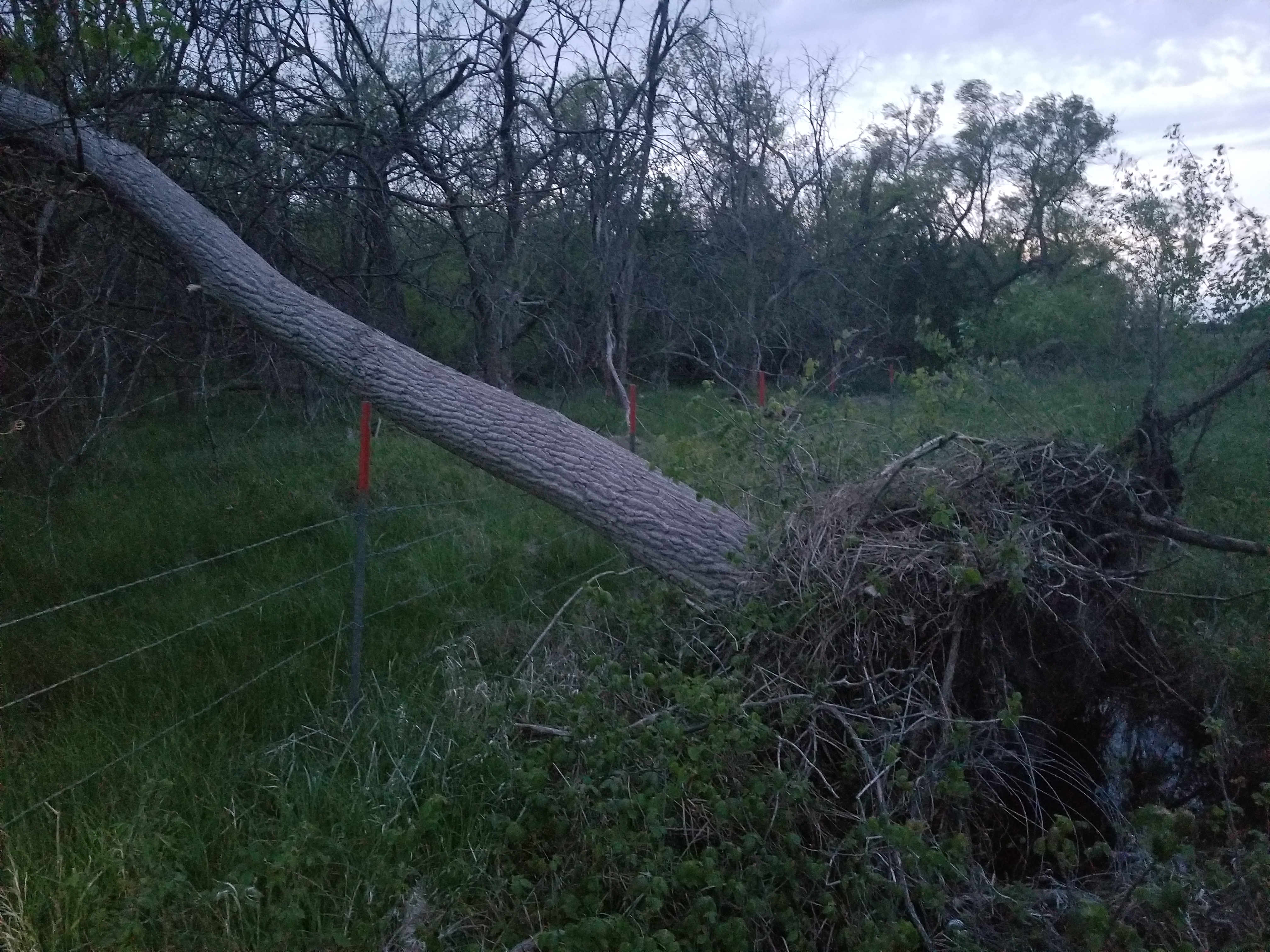
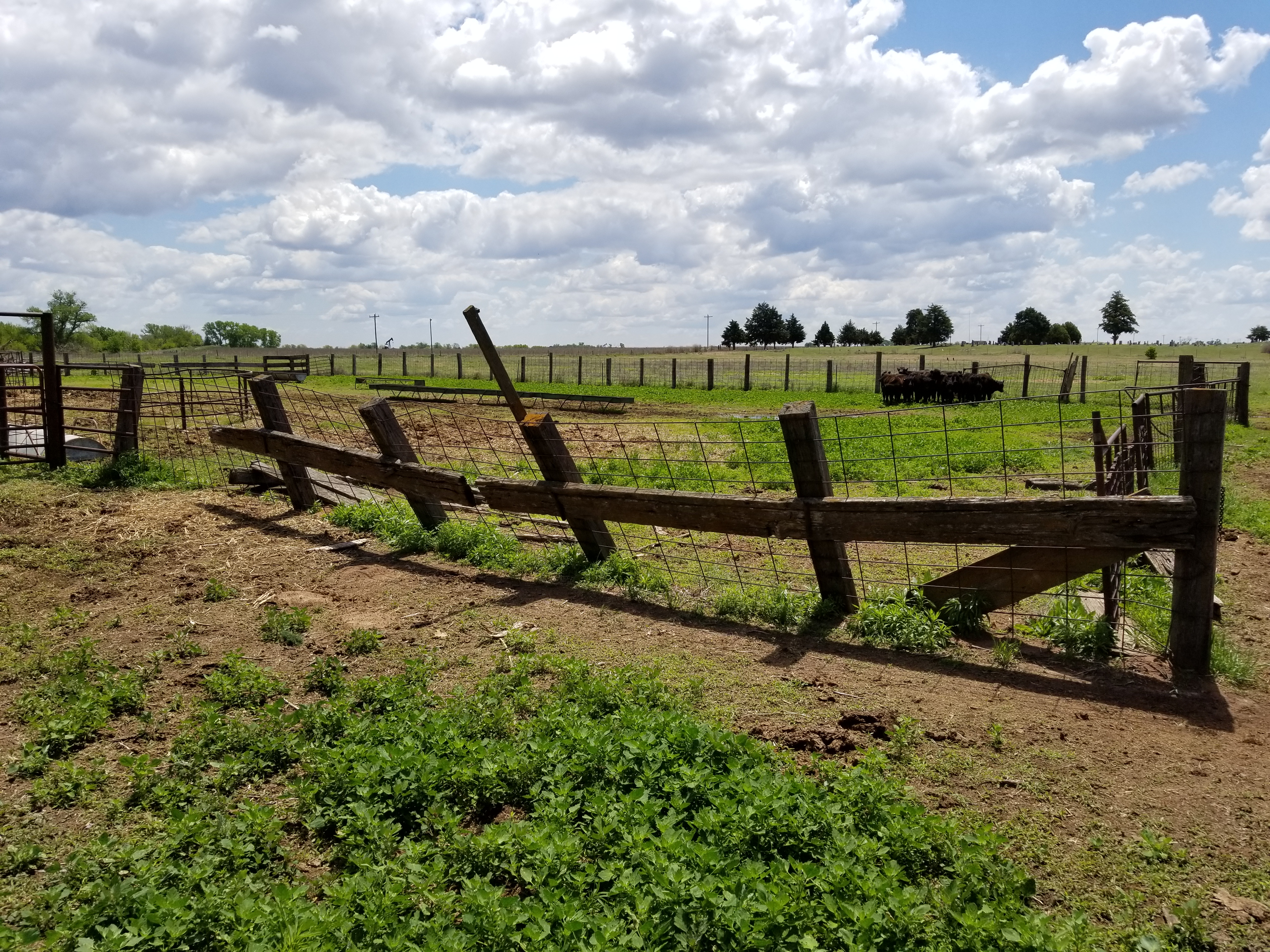
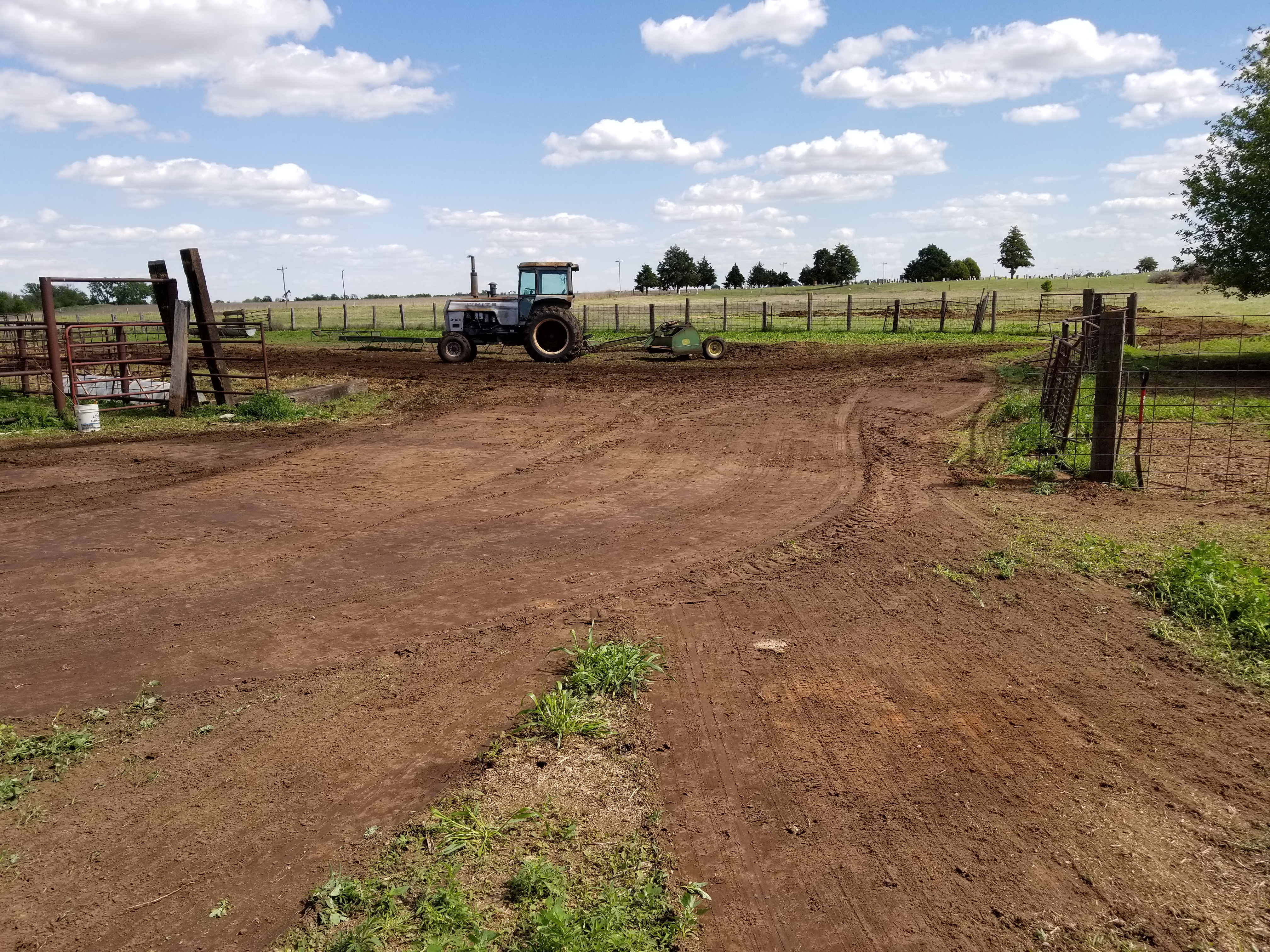
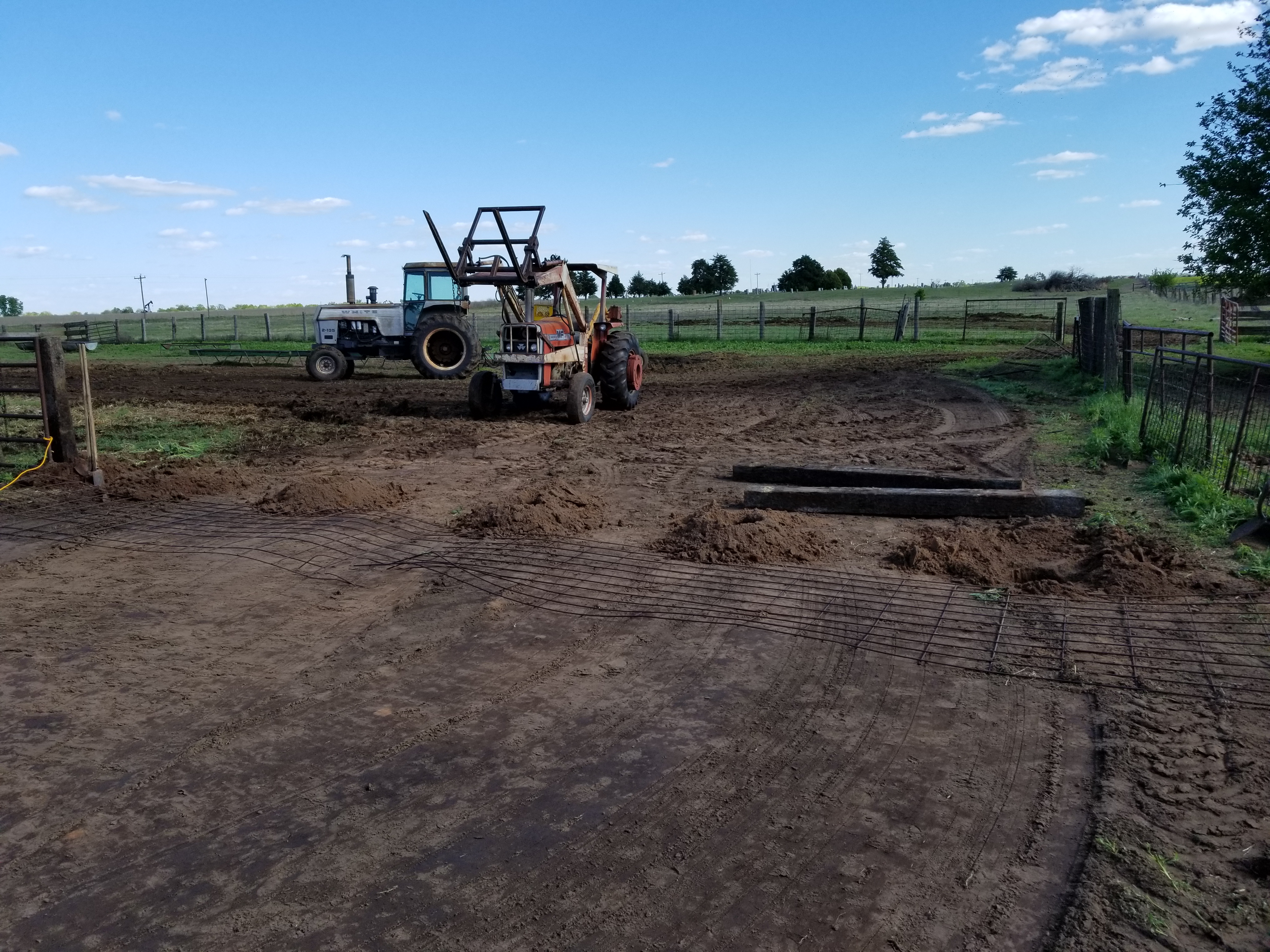
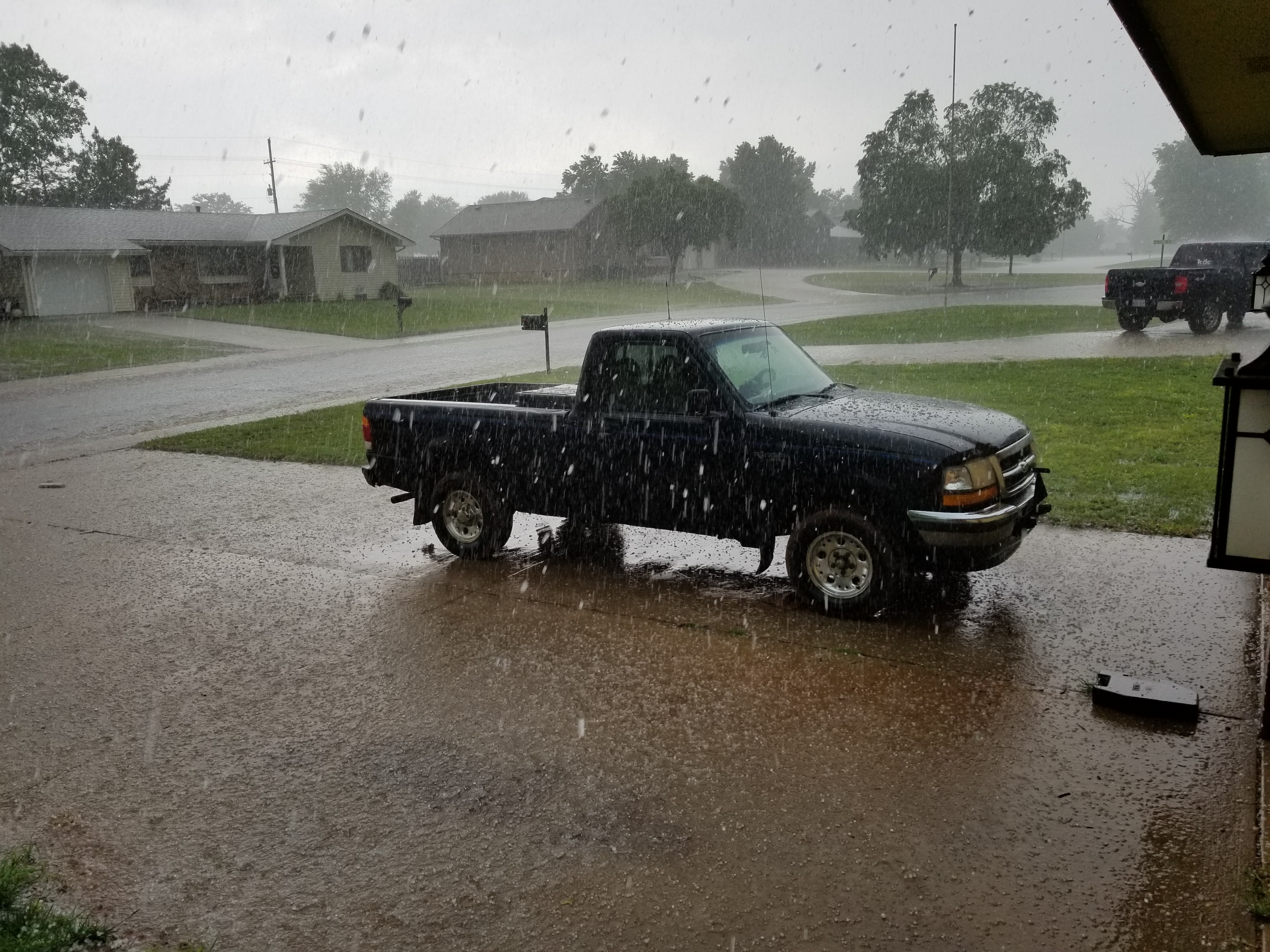
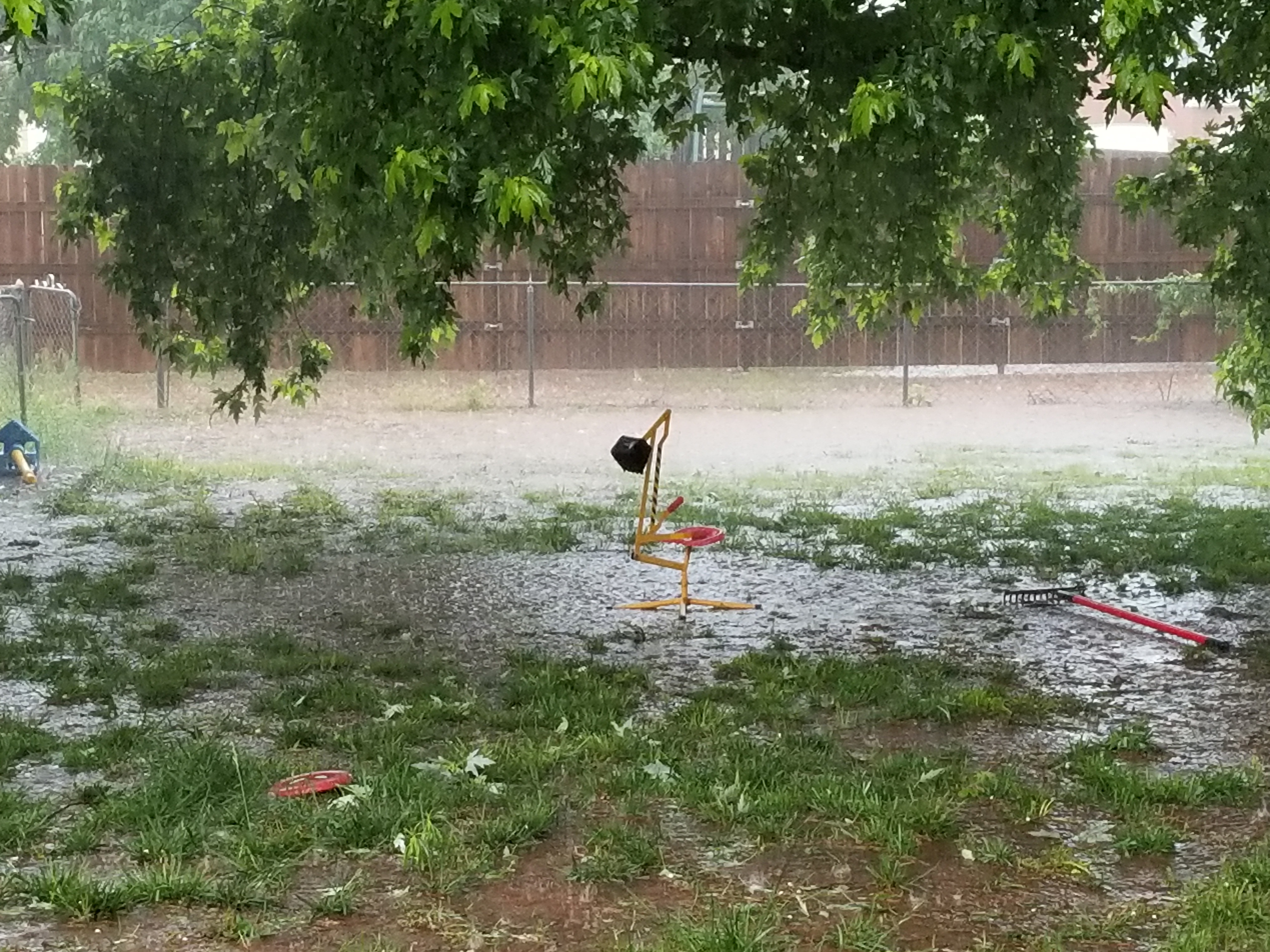
We sure went from getting-stuck wet to can’t-get-the-drill-in dry in a very short time.
Finished wheat harvest on Friday. The combine was a champion this year… couple belts and hoses but no major problems…ran last 30 hours without a care in the world.
The drill had a bushing freeze up on a row unit Saturday just as I was getting ready to start drilling soybeans. Cost me the whole day and a smashed thumb. I’m hoping my fingernail gets malformed so I can carry on the family tradition started by my grandfather of telling each grandchild a different tall tale about why it’s that way.
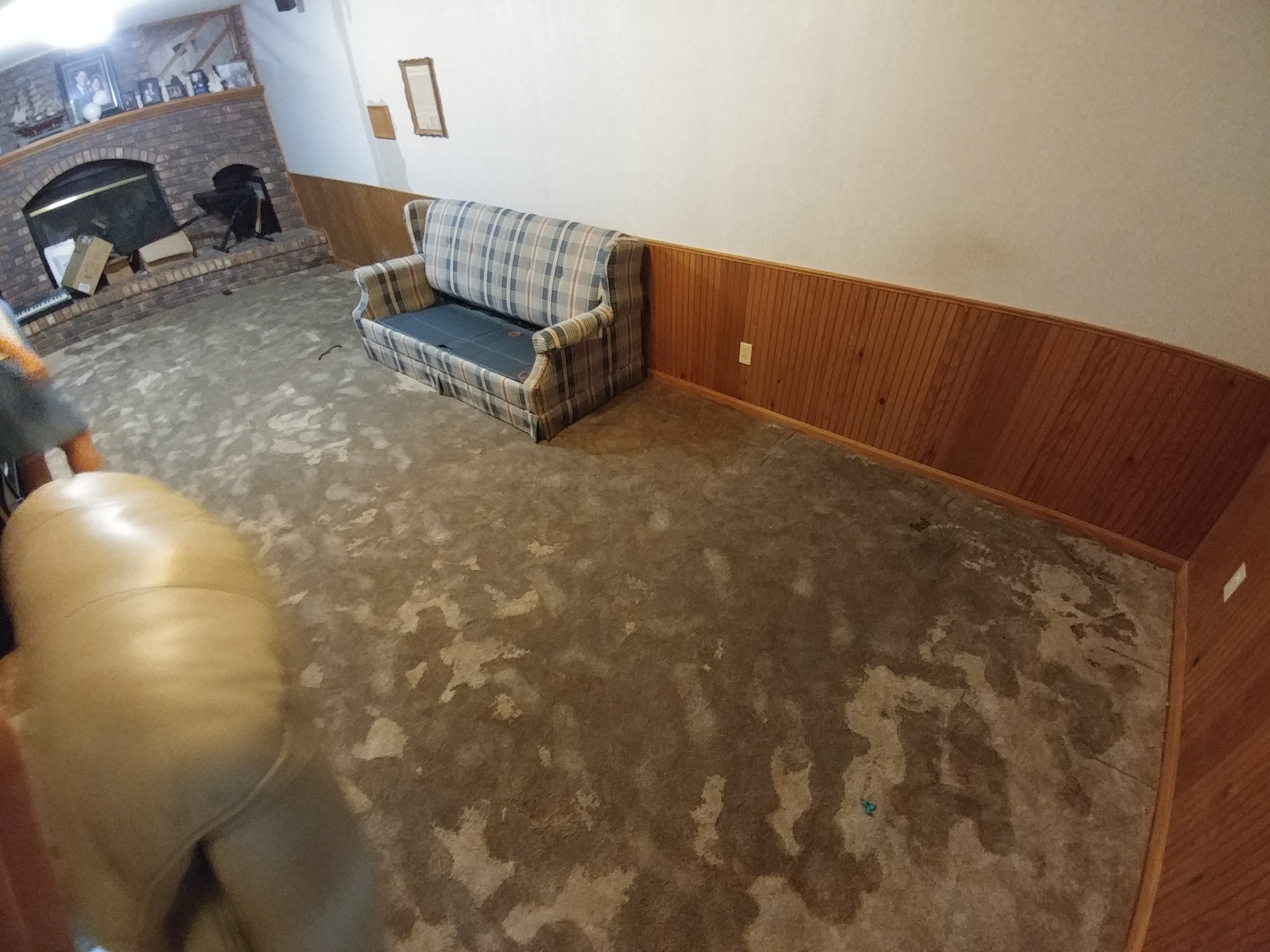
Yesterday I got in the cab and got a call from home that a pipe had burst in our basement. I took care of that and got 18 acres drilled yesterday before a tractor hose burst. My tractor never breaks down.
Finally got a good day in today, but I’m wondering if I’d be better off baling my crab grass instead of drilling beans into the pavement-hard ground. It’s time for new blades from Shoup…Shoup…Shoup…shoup-bay-doop…
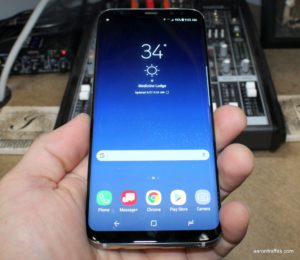
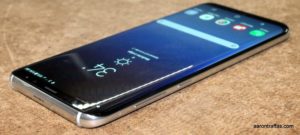
My friends at Verizon sent me the Samsung Galaxy S8+ I’ve been enjoying for the last few weeks. It’s Samsung’s first flagship phone since 2011’s Galaxy Nexus that hasn’t had buttons on the front and it’s a breath of fresh air from a company that’s been stubborn about that poor design choice it’s made for the last several years. The S8+ is extraordinarily powerful while also achieving unmatched elegance in design.
Specs
The Galaxy S8+ feels great in the hand. It’s a premium phone that’s big and extremely fast. With what I understand to be the fastest processor on the market and 4 GB of RAM, there should be no task it can’t handle with ease. I didn’t notice a difference in performance between the S8+ and the LG G6. It comes with 64 GB of storage and an SD card slot, which made it easy for me to pop in my storage card with my podcasts.
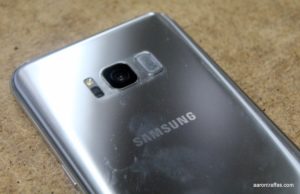
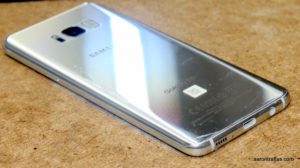
Fingerprint button next to camera
The USB Type-C port is next to the headphone jack on the bottom. The right side has a power button and the left side has the volume rocker and Bixby button. Unfortunately, the fingerprint sensor is placed adjacent to the camera on the back. While it’s fast and accurate, it’s also difficult to use without touching the camera, especially without a case.
The best part about the Galaxy S8+ compared to Samsung phones made in the last five years is the lack of physical buttons on the bottom of the screen. Samsung made what at the time was the perfect Android phone when it made the Galaxy Nexus, but every phone it’s made since has had the cumbersome, clunky physical buttons on the bottom of the screen. The S8 and S8+ shed these unnecessary complications in favor of the virtual buttons that have been the staple of modern Android phones since 2011.
Instead of physical buttons or relying on double-tap-to-wake like other phones, Samsung has introduced a force sensor where the home button would normally be. The phone can be turned on by pressing hard in the general area of the home button. The phone then turns on as it responds with a vibration. It’s an interesting feature, though sometimes I had trouble knowing immediately which end was the bottom of the phone.
Bluetooth
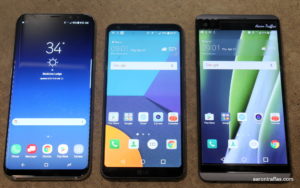
S8+, LG G6, LG V20
Perhaps my favorite feature of the Galaxy S8+ is Bluetooth 5. I spend most of every day with podcasts playing through my LG Tone headsets and I’m always excited about advancements in Bluetooth technologies. Bluetooth 5 brings increased range and additional functionality including the ability to pair with and stream audio to two devices simultaneously. In my tests, there can be a slight delay between the two devices, so it doesn’t work to have a separate device for each ear. However, a great use case would be two people watching the same video or listening to the same song. For me, I like to be able to stream to my LG Tone and the receiver connected to the sound board at my desk so I can easily switch between my headset and my studio monitor speakers without having to mess with Bluetooth settings.
Screen
The S8+ is a monster phone, with a 6.2″ screen. While that number dwarfs even the Nexus 6, which had a 5.96″ screen, the S8+ is significantly narrower than the Nexus 6 due to the change in screen dimensions. Like the LG G6, the S8+ is much taller compared to its width than phones have traditionally been, so it’s fairly easy to use even though it’s so big.
The screen is, unfortunately, curved on the sides similar to recent Samsung phones like the S6 edge+. This gimmick is a deal breaker for me, as the complete lack of border on the sides makes the phone unusable without a case. Don’t get me wrong, the phone looks great — I just can’t hold on to it. I grabbed a $10 belt clip case and it made the phone easier to hold, but the curved screen still makes me frustrated when I’m doing anything other than showing it off. It also makes using a tempered glass screen protector — something I consider a must for any device with a screen — much more difficult.
It’s an AMOLED screen, so it doesn’t use much power and the contrast is extremely good. It also has the best looking always-on clock display when the power’s off that I’ve seen since the always-on screens became a common feature.
Battery
I was pleasantly surprised with the battery life on the Galaxy S8+. It would last me easily through business hours. Using the moderate power saving mode, I didn’t notice any reduction in function but was able to get the phone to last more than 12 hours. The battery isn’t upgradable, but the fast charging is extremely effective.
I do like having the built-in options for power management. It’s something that users shouldn’t have to think about, but if manufacturers aren’t going to allow battery upgrades it’s nice to be able to have some control in the rate the battery is used. The S8+ has settings for both performance mode and battery saving mode. Performance mode can be set to optimized, game, entertainment or high performance. Power saving mode can be set to off, mid and max. Each of these settings has presets for features like screen resolution and brightness, always-on display and a CPU speed limiter.
Camera
Samsung makes great cameras and camera software, and the S8+ is no exception. Here’s a comparison of low light photos taken with the S8+ against shots with the LG G6 and LG V20.
V20
G6
S8+
Here’s another comparison of pictures from the three phones taken outside. All photos are unedited. The resolution is set to high. HDR and flash are set to auto to simulate common real-world point-and-shoot phone photography.
The camera software is intuitive. The shutter button doubles as a zoom slider, swiping left reveals filters and effects and swiping right exposes the different shooting modes. Here’s a panorama of a canola field.
270 degree panorama of canola field
I wasn’t impressed with the video stabilization on the S8+. It didn’t seem nearly as polished as the effect found on Google’s Pixel XL, and I wish I’d turned it off for all the video I shot with the S8+ which otherwise takes fantastic UHD video. Here’s a video of an airplane applying insecticide to my canola field. Make sure to select high quality in YouTube’s settings.
The camera software on the S8+ also includes Bixby Vision, which is reminiscent of Google Goggles. It’s essentially an image search that’s accessible from the camera, making it easy to shop and search for things by taking pictures of them.
Software
Samsung keeps getting better at reducing the impact of the software layer. There’s the standard pre-installed apps and games from Samsung and Verizon that are best uninstalled or disabled, but overall the software experience isn’t nearly as bad as the Samsung software experience of a few years ago.
By far and away the most notable software addition to Android Samsung has made with the S8 and S8+ is Bixby. Bixby is a virtual assistant in the same vein as Google Assistant, Alexa or Siri. It’s activated by using the dedicated button on the left side of the phone or swiping to the left home screen in the TouchWiz launcher. Bixby is a screen very similar to Google Now, displaying what it thinks are relevant cards from the apps on your phone based on your location or the date and time. It seems really limited compared to Google Now, though, and I’m glad that replacing the launcher lets me put Google Now back on the left home screen.
Galaxy S8+ summary
All told, I’m sure Samsung will sell a ridiculous number of the S8 and S8+ phones. It really is a work of art, with all the speed and a great camera we’ve come to expect from Samsung. With the elimination of the physical buttons and larger screen, as well as the software refinements and enhancements, it’s a big improvement on previous Samsung phones.
If I were to own an S8+, I’d have to invest in a great case to make the curved screen easier to hold and use as well as ease the challenge of finding the fingerprint reader with my finger. I’d replace the keyboard and launcher with Gboard and Action Launcher 3. Mostly, I’d enjoy the big screen, fast camera and amazing performance of Samsung’s greatest phone to date.
Photos
As always, here’s a collection of unedited photos taken with Verizon’s Samsung Galaxy S8+.
It seems phones are all about gimmicks these days, and there’s nothing wrong with that. The Moto Z has Moto Mods. Samsung has been putting curved screens on its phones like the Galaxy S6 Edge+ and now the Galaxy S8. LG’s G5 has Friends and LG’s V10 and V20 have a second screen. In a world where every phone has a gimmick, sometimes you just want a simple phone that executes perfectly on the fundamentals. My friends at Verizon let me spend a few weeks with the LG G6 and I’m convinced that’s exactly what it does. It’s a fast, straightforward phone with a large, single, flat screen and excellent cameras. And I love it.
Hardware
The G6 has the same large 5.7″ screen as the V20, which is significantly larger than the G5. However, the G6 packs this extra screen into a body that’s actually slightly narrower and shorter than the G6. It does this by nearly eliminating the bezel — the plastic border between the screen and the edge of the phone — as well as making the screen taller than normal.
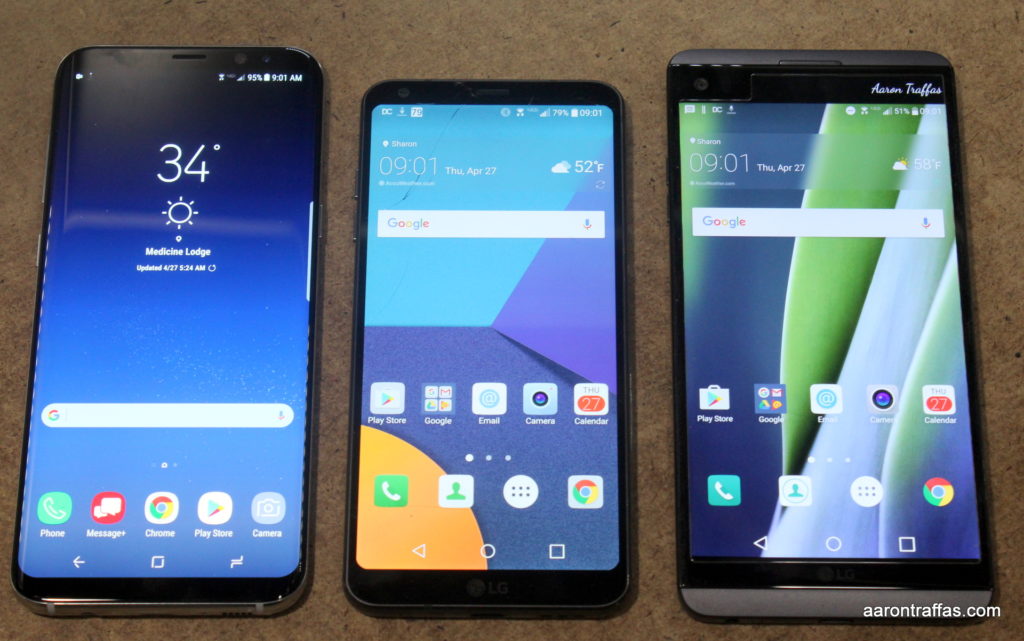
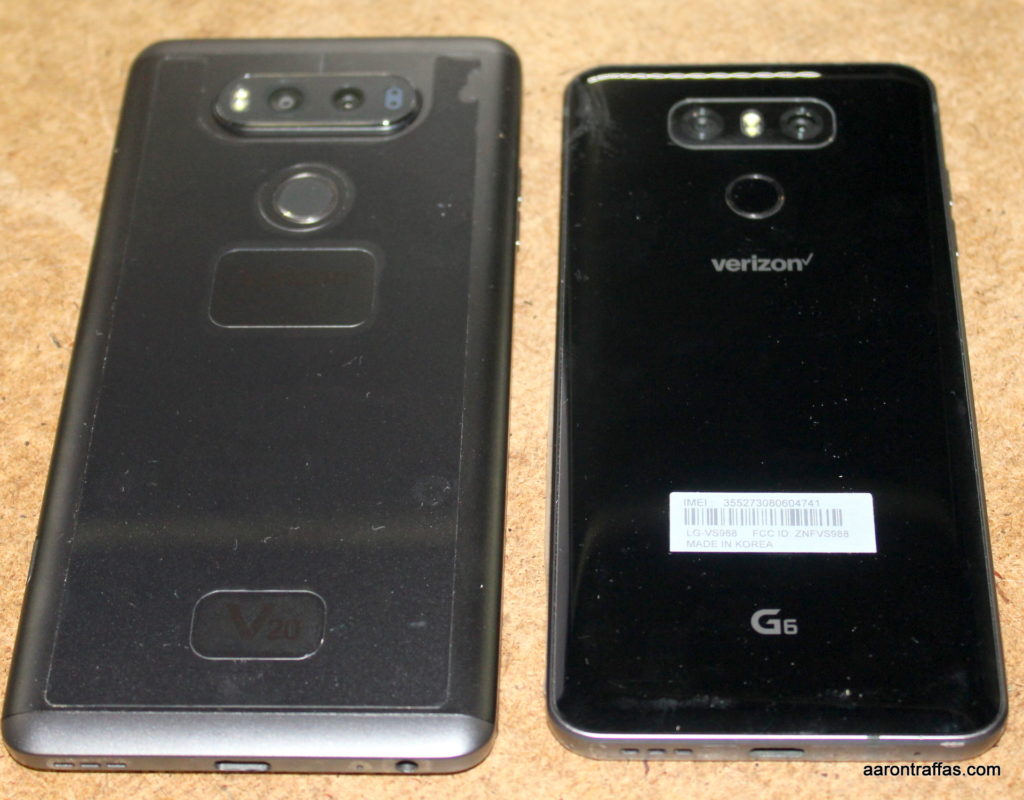
LG V20, LG G6, Samsung Galaxy S8+
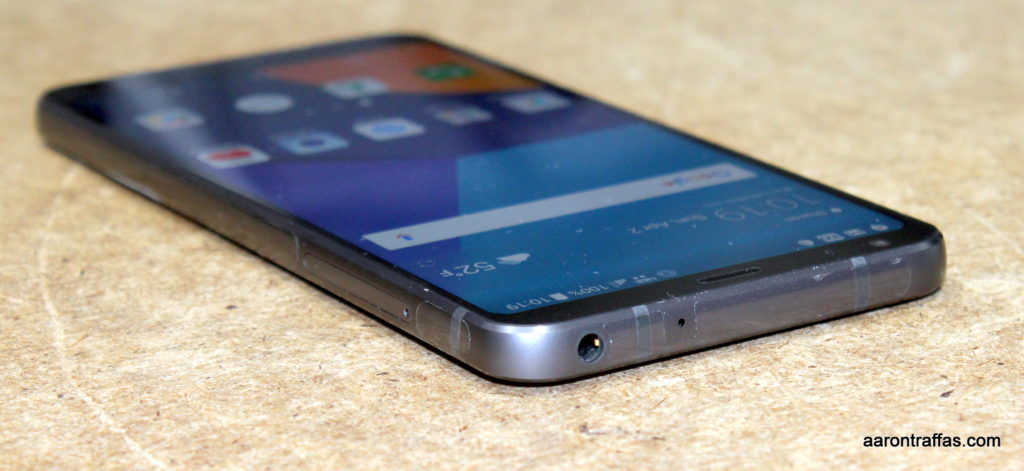
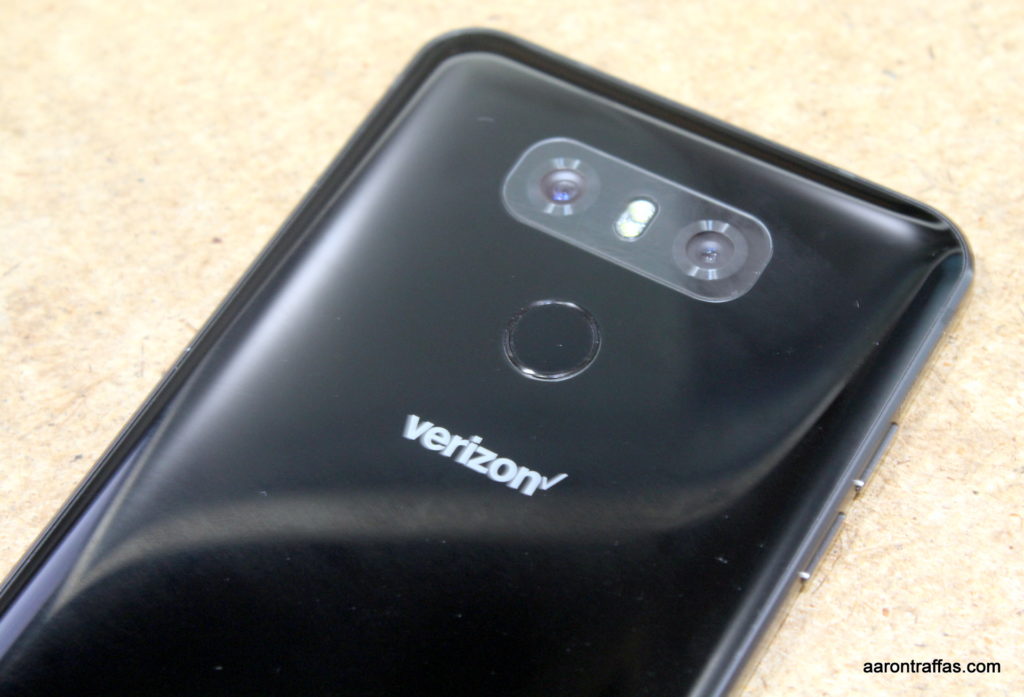
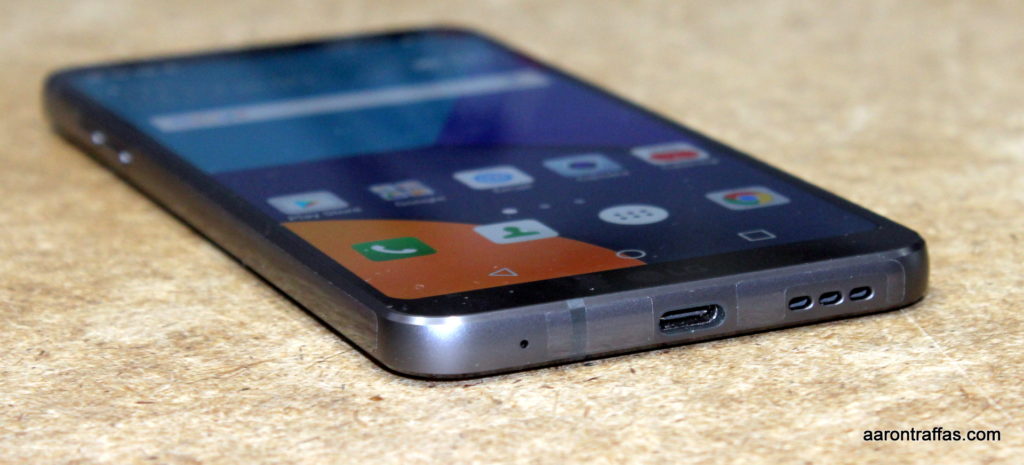
The phone is extremely fast and I never found it to lag. It comes in 32 GB and 64 GB versions and thankfully supports SD card external storage for those of us with ridiculous amounts of podcasts. The power button doubles as a fingerprint reader and is located in a great spot on the back below the camera. Volume buttons are on the left side. The speaker is on the bottom next to the USB Type-C port and the headphone jack is on the top.
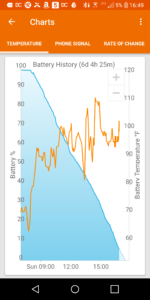
LG G6 battery usage
The battery is 3300 mAh and it’s not removable. In my real world usage, playing podcasts all day with Bluetooth, it lasted me from 8 a.m. to 5 p.m. That’s great for someone with a desk job. On the farm that means I’d have to look for a charger in the middle of the day. LG has done a great job with fast charging, and I’m excited that they brought back wireless charging that was sorely missing on the G5 and V20. I do wish they’d have given the G6 the removable back and upgradable battery that made the G3, G4, V10 and V20 so wonderful.
The bezel reduction makes the phone somewhat more difficult to type on. Indeed, I found it almost challenging to use without a case. I grabbed an Oeago case from Amazon. While it doesn’t have a belt clip, it makes the G6 much easier to hold and use and, for under $6, is quite a bargain.
Cameras
The G6 has the same dual camera configuration that was found on the G5 and V20 — a standard lens next to a wide-angle lens. Where the V20 had a 16 MP primary sensor and an 8 MP wide-angle sensor, the G6 has 13 MP sensors for both the standard and wide-angle lenses. I’m a huge fan of the wide-angle pictures, so the big jump from 8 MP to 13 MP is something I really like. Here’s a comparison set showing pictures of canola with the standard lens and wide-angle lens.
Canola with wide-angle lensCanola with standard lens
While the standard lens resolution is lower with the G6, the picture quality is as good or better than the V20. Here’s a comparisons of an inside shot in uneven low light between the V20, G6 and the Samsung Galaxy S8+.
LG V20LG G6Galaxy S8+
Here’s another comparison of the three phones taken outside. All photos are unedited. The resolution is set to high. HDR and flash are set to auto to simulate common real-world point-and-shoot phone photography.
LG V20LG G6Galaxy S8+
Software
LG keeps getting better with their software. The G6 has the usual pre-installed bloat that comprises some games and Verizon apps, but those can be easily uninstalled or disabled. The additions to Android aren’t nearly as obnoxious as they were in previous phones and the experience feels fast and clean. I especially like the design of the in-call screen, which feels more modern than previous LG versions.
LG G6 review summary
The only feature missing that would make the G6 the perfect phone is a removable battery. It ticks every other box — beautiful, large, flat, IPS screen; SD card expansion slot; fast processor with enough memory to remain snappy for years to come; and the wonderful wide-angle secondary camera.
I admit that I have a soft spot for LG phones. I carried the G3 for three years until this January when I upgraded to the V20. Last year, I bought my wife the G5 before I even sent my review G5 back to Verizon. LG makes terrific phones and the G6 is no exception. Instead of trying to find a new gimmick, the G6 simply executes on the goal to build a high quality, straightforward smartphone.
Photos
As always, here’s a collection of unedited photos taken with the LG G6.
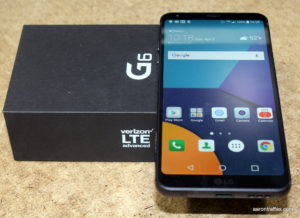
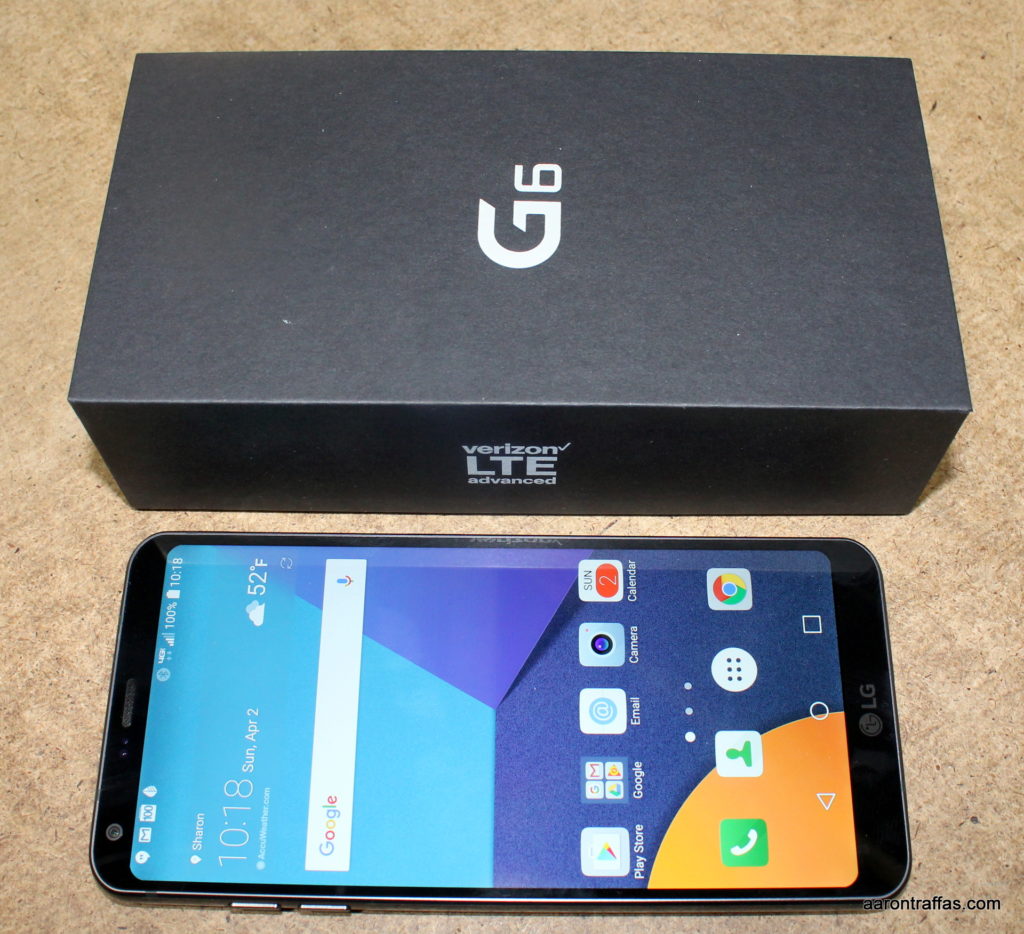
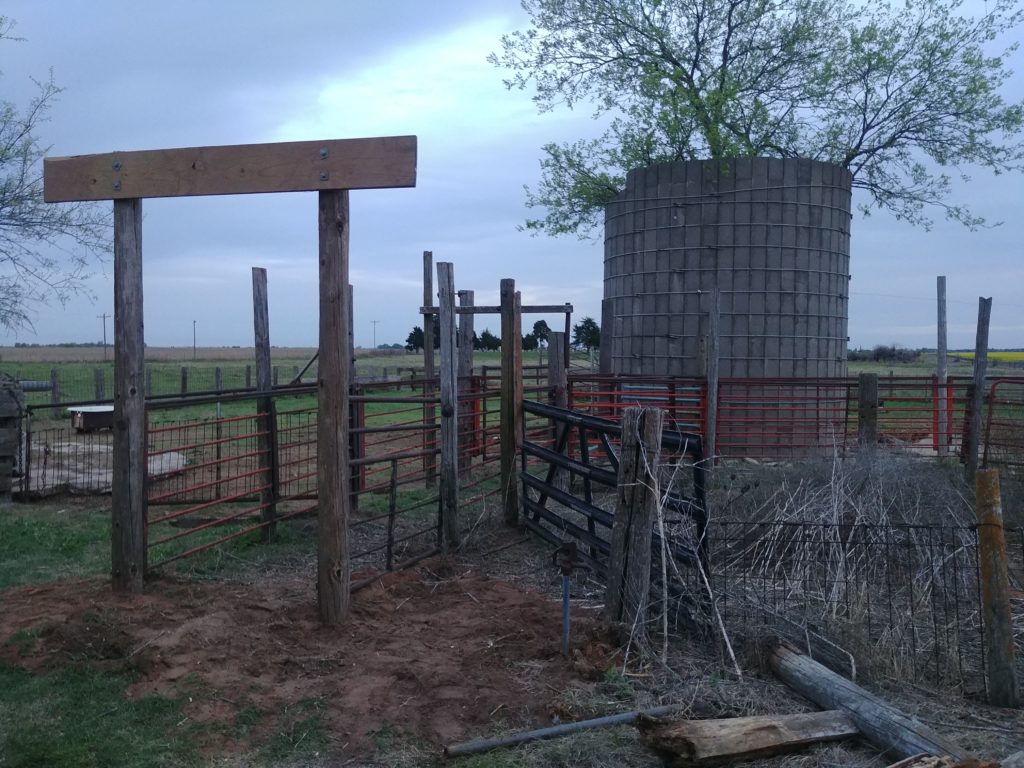
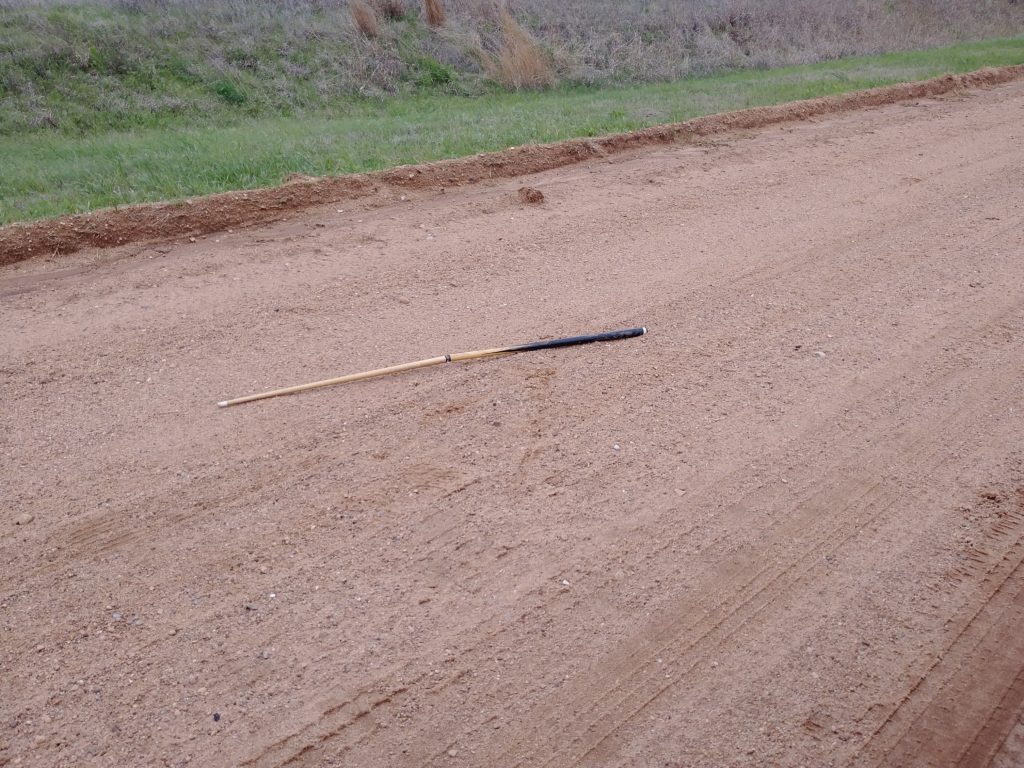
LG G6 headphone jack on topLG G6 backLG G6 has USB Type-C port next to speaker on bottomLG G6 with boxLG V20 and LG G6 back side-by-side comparisonChute has seen better daysNew load-out postsOld shelterNeeds workFast friendsFamily get-togetherSomeone left a pool stick in the roadStillwater concertHappy Easter from the hotelEaster egg huntPractice makes perfectWelcome to me!Busking before the showStillwater concertStillwater concertStillwater concertWillie’s in StillwaterWater gap workKevin learns to flyMissing LonghornsStuck in the swingLane Haas from the stageTrying out the new chainsawSunset on the fence
In spring 2016, LG announced the G5, which was the first consumer phone that featured a modular design. You could remove the battery and plug in a camera enhancement or an audio system upgrade. The G5 was a great phone, but the add-on ecosystem never really took off. Last summer, Lenovo announced its take on the modular smartphone with the Moto Z. My friends at Verizon recently let me spend a couple weeks with a Moto Z Force Droid — and a few Mods — and I’m convinced that Lenovo’s approach to add-ons is the right one.
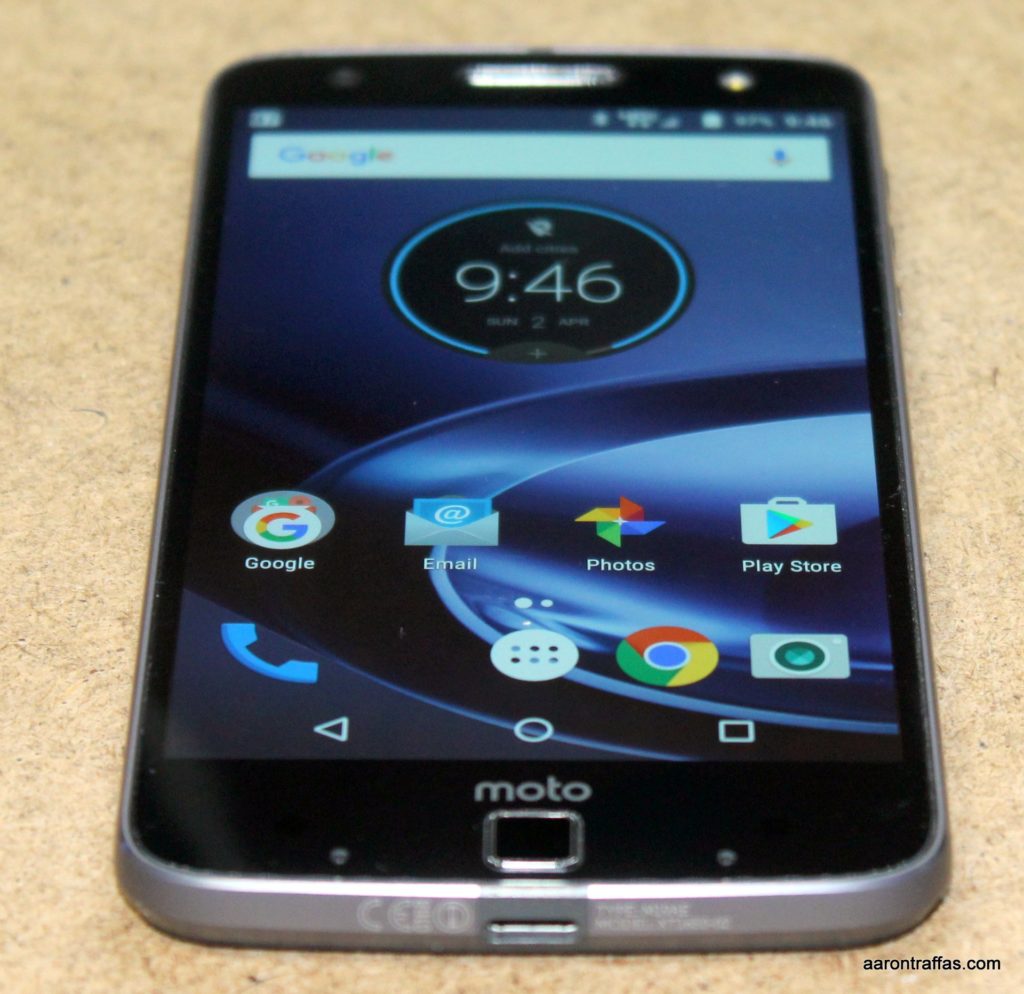
Moto Z Force Droid
The Moto Z Force Droid Edition isn’t the fastest or biggest phone on the market, but it’s not far from the top. It has a relatively large 3500 mAh battery supporting the sizable 5.5″ ShatterShield screen that’s guaranteed not to crack. The phone only comes in a 32 GB version, which isn’t enough for podcast addicts like me, but it does have a micro SD card slot so that storage isn’t a concern. The camera is nice, too, at 21 MP with optical image stabilization and laser autofocus. I especially like the low light performance.
The power and volume buttons are on the right side of the phone. There’s a fingerprint reader below the screen on what seems to be a needlessly large lower bezel. I’d prefer a fingerprint reader on the back, but considering the interchangeable backs of the Moto Z, it’s understandable that they had to put it below the screen.
The biggest problem I had with the hardware is the lack of a headphone jack. When I heard the Moto Z was the first phone to ditch the traditional 3.5 mm audio plug, I didn’t think it’d be a problem since I nearly always wear a Bluetooth headset. However, I needed the headphone jack three times in the two weeks I carried the Moto Z Force — once when my headset battery ran out and I didn’t have a spare, once when I was wanting to play music through the PA system before an auction and once when I was using the projector to display a basketball game and I wanted to play the audio through my sound system. While there’s a USB Type-C headphone jack adapter in the box, I’m not going to carry it around in my pocket when I may only need it once or twice a week.
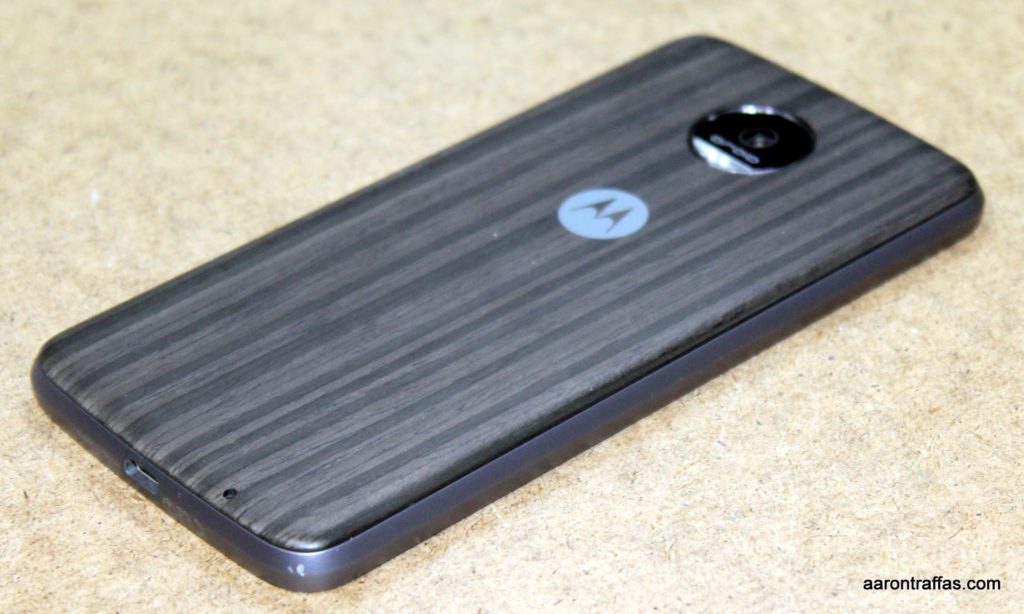
The Moto Z Force without the back cover, showing the connection pins
The software on the Moto Z is very similar to the Moto X and Droid Turbo. There are a lot of Verizon apps preinstalled, but the actual Android experience is about as close to stock as you can find without buying a Nexus or Pixel phone. Motorola is really good about only adding beneficial enhancements and otherwise leaving Android alone.
All these things considered, the Moto Z Force Droid is a solid flagship release. What makes it shine, though, is the implementation of Moto Mods. These attachments have strong magnets that snap to the back and connect through a number of pins. There are several currently available, and Verizon sent me a battery, camera and projector to try.
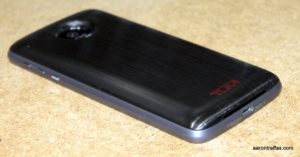
TUMI Wireless Charging Power Pack Moto Mod
TUMI Wireless Charging Power Pack Moto Mod
While the 3500 mAh battery might get an average user through a day, on my farm my experience has shown me that it’ll last me until about 3 p.m. I hate trying to find a charger in the middle of the day, so I won’t carry a phone without the ability to add additional battery capacity. Most phones have done away with upgradable batteries, so the only option for most phones is a clunky battery case. The TUMI Wireless Charging Power Pack Moto Mod provides an additional 2200 mAh and also supports wireless charging. It can be used to keep the phone battery at 100% as long as possible, or used in Efficiency Mode which keeps the phone battery at 80% for as long as it can. Unlike battery cases, it looks like part of the phone. Worrying about the level of charge for two separate batteries isn’t quite as convenient as a single battery upgrade on a phone with a replaceable battery, but if I was going to own a Moto Z Force, I’d definitely get one or two of these Mods to get myself through the day.
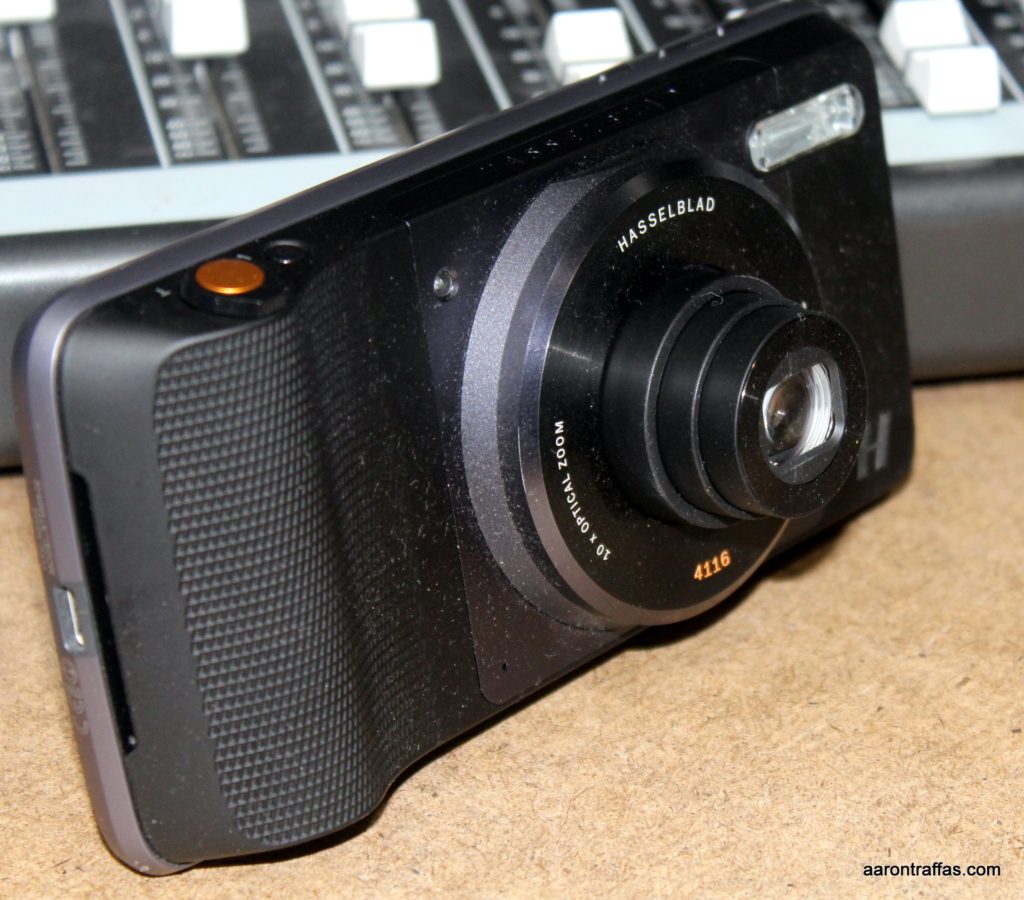
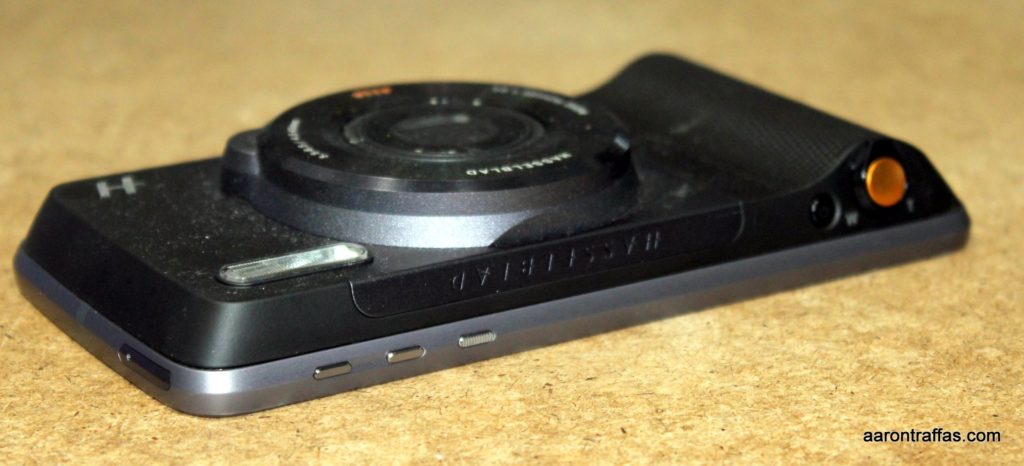
Hasselblad True Zoom Camera Mod The 21 MP shooter on the Moto Z Force itself is pretty good. However, like cameras on most smartphones, it lacks optical zoom and even basic hardware camera controls. The Hasselblad True Zoom Camera Mod features a real 10x optical zoom, bright xenon flash and physical buttons for the power, shutter and zoom. The sensor is only 12 MP, though, and while it works great in sunlight I found it tough to keep in focus at 10x zoom on an overcast day. For shots that don’t need zoom, I got much better pictures by pulling the Mod off and using the camera on the phone.
Hasselblad True Zoom Camera ModHasselblad True Zoom Camera Mod adds significant size
Motorola Insta-Share Projector Moto Mod
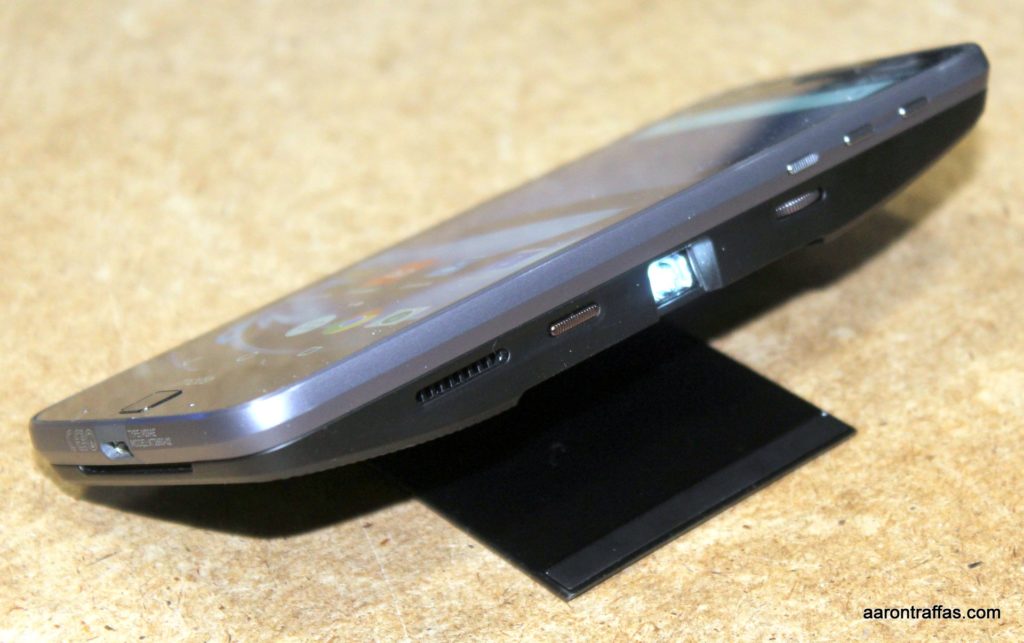
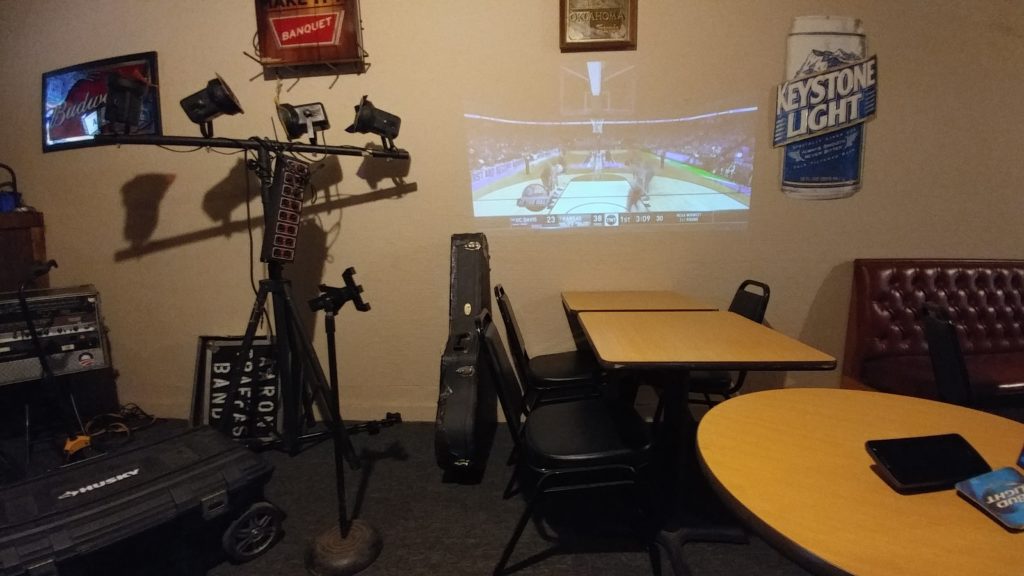
While the battery Mod is essentially crucial for day-to-day use and the camera Mod has a very specific utility that could be extremely valuable for certain use cases, the Motorola Insta-Share Projector Moto Mod is either really fun or really important for business. I thought it was a gimmick, but the first night I had it I found myself using it at a meeting after someone literally said “…if we only had a projector.” It’s extremely easy to use, with just a power button and a focus wheel. I really wish it had a headphone jack so I could have played the audio over my PA at the bar while I was watching the KU basketball game before my show. The battery lasted only through about the first half of the game, even though I had the phone plugged in to a fast charger. Even so, I can see how great this projector would be to show video clips to a group of friends or pitch a presentation at a board meeting.
Insta-Share Projector Moto ModInsta-Share Projector Moto ModWatching the KU game before setting up for the show
In summary, the Moto Z Force Droid Edition is a very solid flagship phone that has a killer feature — an open ecosystem of modular add-ons that adds real functionality to an already premium smartphone.
Here’s a picture comparison taken of some canola with various cameras.
Moto Z ForceHasselblad with no zoomHasselblad 10x zoomLG G6LG V20
Here are a few pictures taken with the Moto Z Force Droid and some with the Hasselblad Mod.
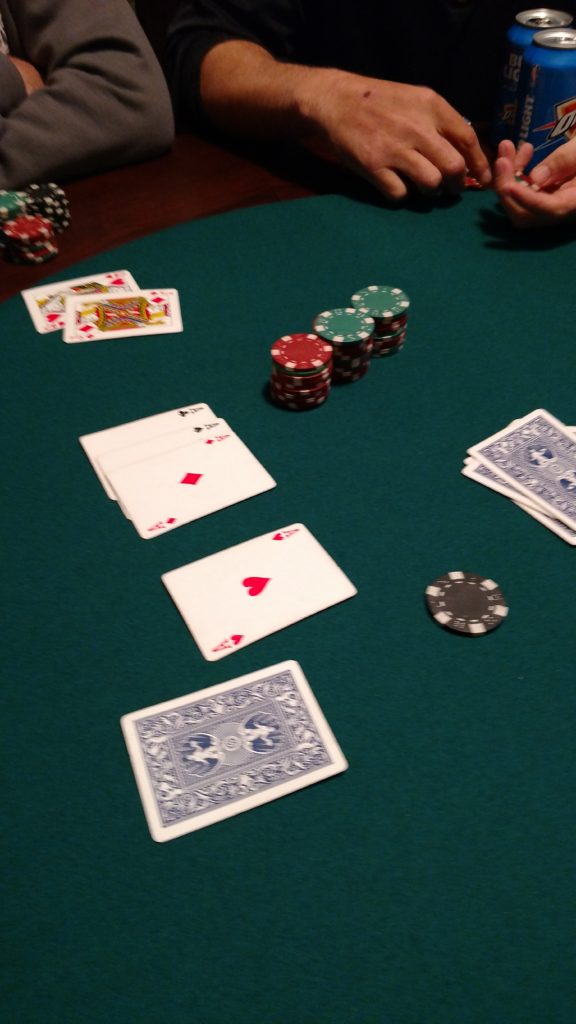
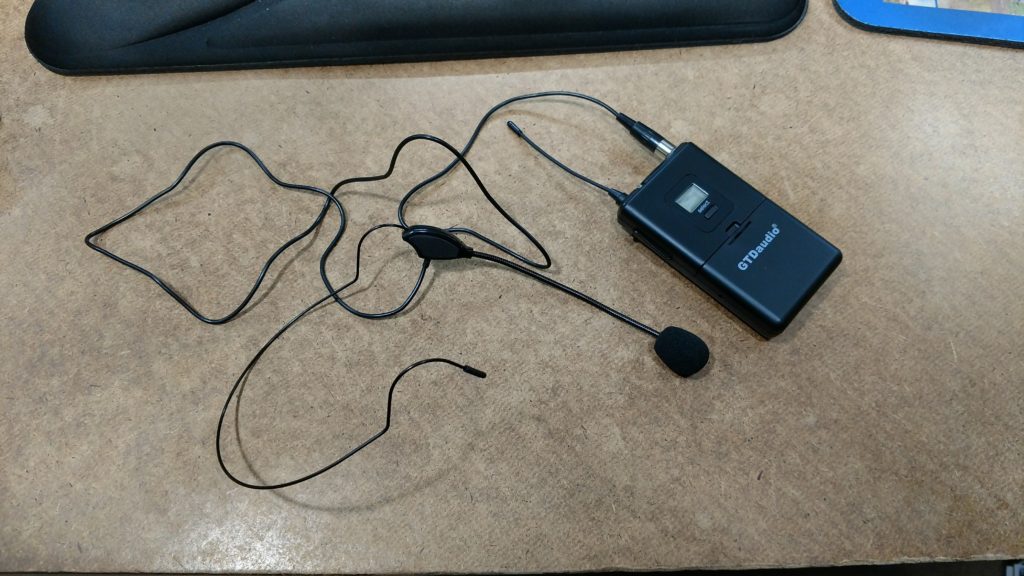
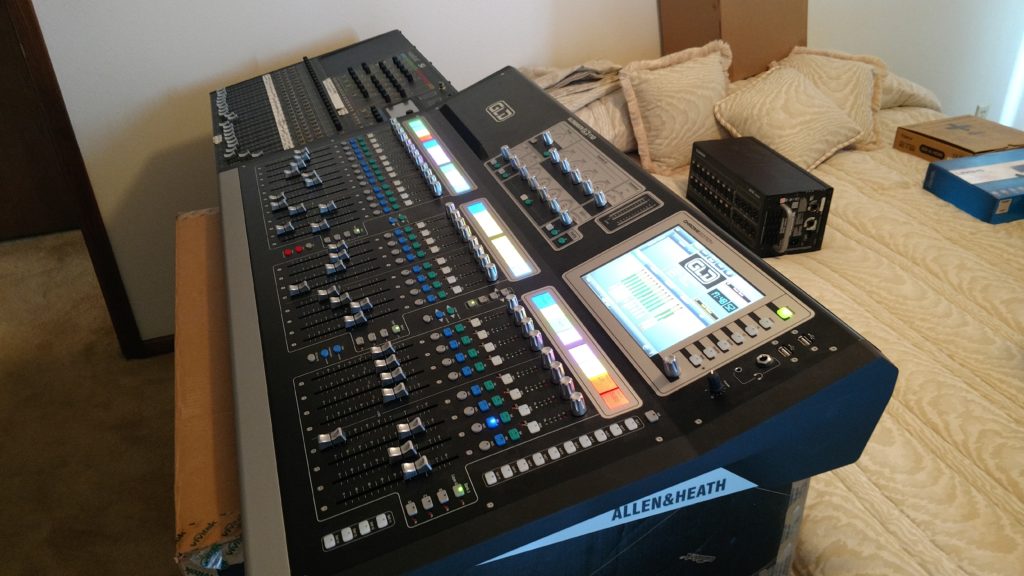
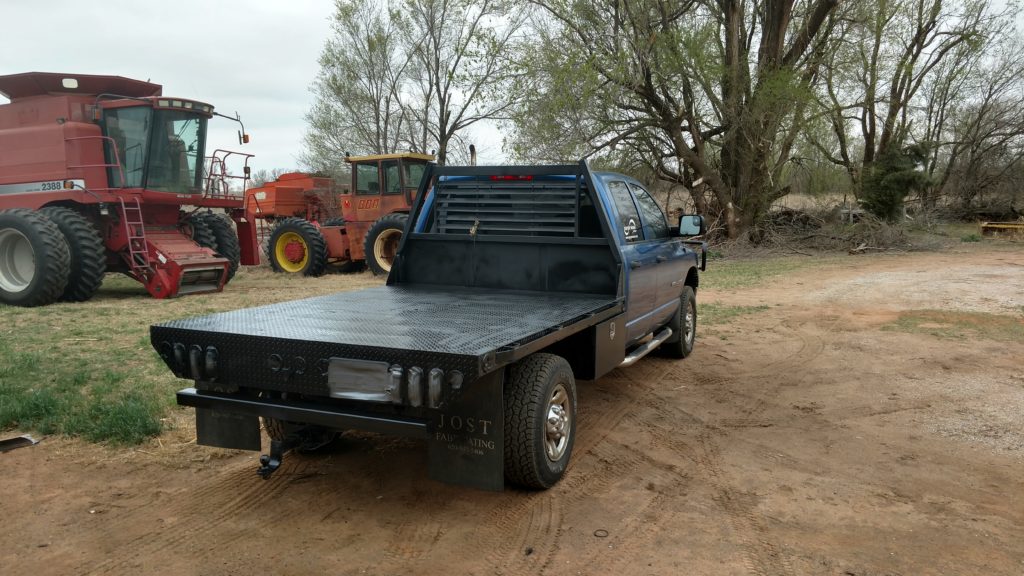
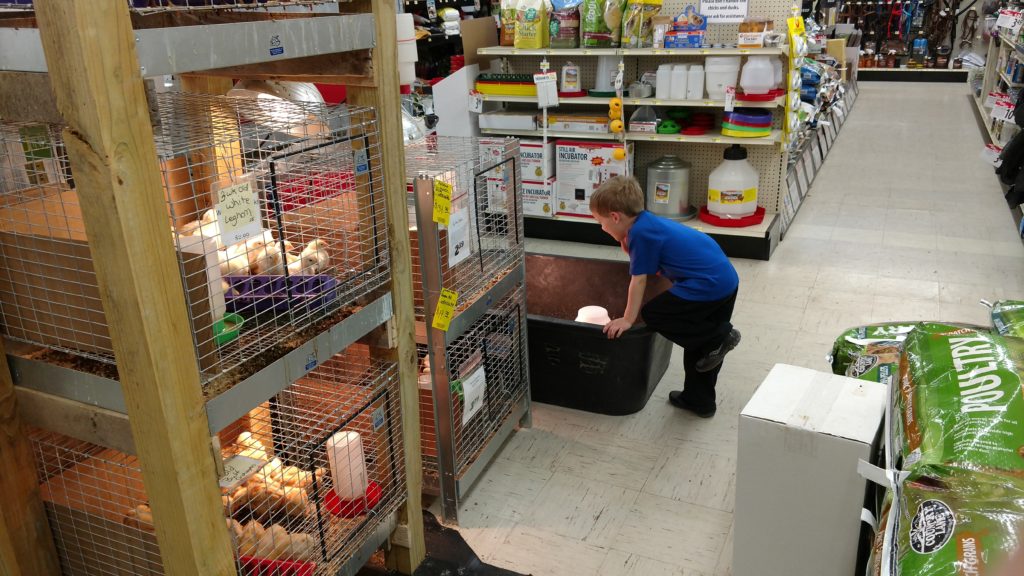
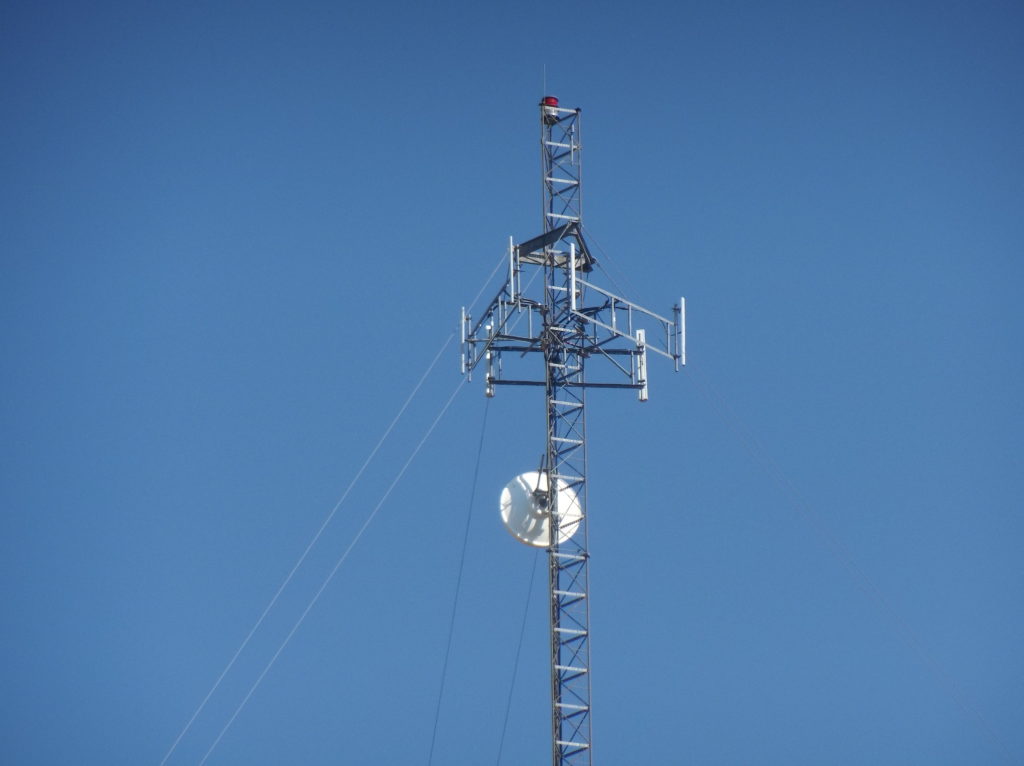
Moto Z ForceHasselblad zoomHasselblad zoomNever seen this hand in poker on the table beforeNew wireless transmitterWatching TVLake Arrowhead scenerySound consoleHauling limbs from the ice stormFreshly painted flatbedWatching chickensThere’s a reason that beer is so cheapFirst picture with Moto Z Force – lunch time!Hasselblad zoomHasselblad no zoom in low lightSupport for interchangable backsMoto Z Force Droid has large bottom bezel for fingerprint reader
More and more, I keep thinking about the line from the beginning of The Newsroom, “If liberals are so fucking smart, how come they lose so goddamn always?”
Because we’re spineless and apathetic. We give in or stay home. We don’t do a good job of picking our battles. The battles we choose to fight last just long enough for something shiny to come into view, then it’s time to retreat to fight on the next front. The rhetoric is all about our hair being on fire, while we move from outrage to outrage, never caring enough to finish the job.
Is the problem that there are simply too many battles to fight? Are we rocked back on our heels from the whiplash generated by the shock and awe of the incompetence demonstrated in the first week of the walking conflict of interest who is our newly elected baffoon-in-chief?
Conservatives rally around five or six fundamental ideals. We scatter. Like a clowder of cats, we pick one of 60 causes to care about and join the six others who agree with us and fight really hard, but there’s just not enough of us focusing on any one issue. We get steamrolled.
We’re winning the war, if you look at long-term trends. There’s no question that the current administration is the last gasp of a party that is out of touch with the populous and on the wrong side of history. Like an old gas engine that’s been running poorly for a long time, shutting it off produces a loud backfire. That’s what the Trump administration is – the backfire explosion created from turning off the ignition on the engine that was the GOP.
Unfortunately, instead of sitting back in the pocket and executing our offense, we’re consistently on defense. We think that if we yell loud enough, it will change minds. It works on Fox News, why shouldn’t it work with our neighbors?
Take today’s email from the feckless DNC about Supreme Court Nominee Neil Gorsuch. Instead of seeing the whole field, we’re stuck in the weeds of petty, spiteful retaliation against the horseshit Republican tactic of not confirming Garland. Would it feel good to block Gorsuch? Sure. Would it be smart? No. We could do much worse, from what I understand. It’s hard to imagine that Gorsuch could be worse than Scalia. If we blow out our voices on this fight, one that would preserve the balance of the court, then we won’t have any fuel left for the next fight, when it comes. It’s the next fight that could radically shift the balance of the court, not this one.
There are other battles that need to be won, battles that should be fought to reduce suffering. Currently among the battles at hand are the travel ban, the wall, the repeal of the ACA without a suitable replacement – Americans will suffer. Just wait for the battle over the next farm bill and see how the newly-emboldened GOP will try to cut SNAP. Americans will suffer more. Drug testing for assistance? Cutting Medicare? Privatizing the VA? School vouchers? Americans will suffer…bigly.
We have to execute from a unified playbook in order to stop it and I simply don’t see anyone calling plays.
































































You must be logged in to post a comment.